
Live Betting Panel
Place wagers on shifting odds during live matches, with the bet slip updating automatically as scores change.
Android users grab the LineUp casino straight from this page or through the Google Play listing, while iPhone and iPad owners open the fully optimized mobile platform directly in Safari as a Progressive Web App. Both versions deliver live betting with shifting odds, instant cash out options, and biometric login for quick account access. Start your LineUp app download today and manage your account from your pocket.
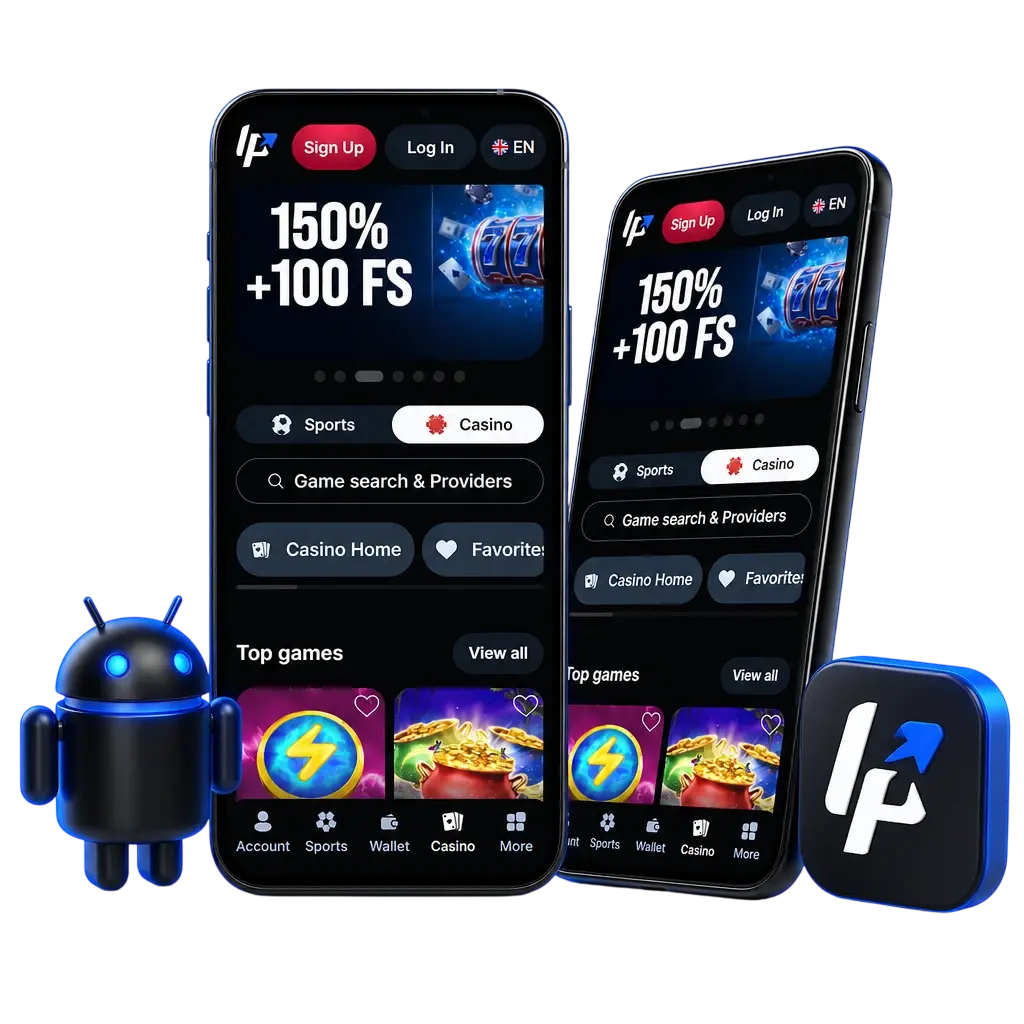
Installing the LineUp application takes only a few taps, and the LineUp download completes within seconds on a solid connection. Android owners confirm installation from unknown sources after saving the APK file using the instructions on this page. iPhone and iPad users open the mobile platform through Safari, applying the same login credentials, data encryption, and security protocols used on the desktop version.
The LineUp application runs on both major mobile operating systems, each built with the same account data and betting markets as the desktop version. The table below lists the core specifications for Android and iOS (PWA) users in Canada.
| Feature | Android | iOS (PWA / Mobile) |
|---|---|---|
| Developer / Operator | LineUp | LineUp |
| Installation Method | APK download or Google Play | Add to Home Screen via Safari |
| System Requirements | Android 5.0 or higher | iOS 13 or higher |
| License | Curacao Gaming License | Curacao Gaming License |
| Supported Languages | English, French | English, French |
| App Cost | Free | Free |
The LineUp interface places bet slips, deposit options, and casino categories within three taps from the home screen. Dark graphics reduce glare during nighttime sessions. Open the LineUp app download page and explore the dashboard firsthand.
Installing the LineUp APK takes under five minutes on most Android phones. Follow the four steps below to get the application running.
While on this page, locate and click the Download for Android button. The APK file saves directly to your phone storage within seconds.
Approve the LineUp APK download when your browser displays a confirmation pop-up.
Open phone settings, enable installs from unknown sources, then return to the downloaded file.
Tap the APK file in your downloads folder, confirm the install prompt, then open the application to log in.
The LineUp Android application performs well across budget and flagship phones alike. The table below lists popular compatible models sold across Canada in 2026.
| Brand | Models |
|---|---|
| Samsung | Galaxy S24, Galaxy S23, Galaxy A55, Galaxy A35 |
| Pixel 9, Pixel 8a, Pixel 8 | |
| Xiaomi | Redmi Note 13, Poco X6 |
| OPPO | Reno 11, A79 |
| Sony | Xperia 1 VI, Xperia 10 VI |
| Huawei | P60, Nova 12 |
| OnePlus | 12, Nord 3 |
| Motorola | Edge 50, Moto G84 |
LineUp optimizes the Android application for basic and premium devices alike. A device with 2GB RAM and a dual core processor handles the platform, though 4GB RAM and a stable Wi-Fi connection load live odds and streams faster.
| Requirement | Minimum | Recommended |
|---|---|---|
| Operating System | Android 5.0 | Android 10 or higher |
| RAM | 2GB | 4GB or higher |
| Storage Space | 150MB free | 500MB free |
Getting the LineUp platform onto an iPhone or iPad takes a few taps inside Safari. No separate application file downloads onto the device since the platform runs as a Progressive Web App.
Tap the Download for iOS button on this page to open the mobile platform in Safari.
Log into your existing account or complete the registration form if you are a new player.
Tap the Share icon at the bottom of the Safari browser window.
Select Add to Home Screen from the menu, then confirm by tapping Add in the top corner.
Once logged in, tap the new icon on your home screen to place bets and spin casino titles directly from your phone.
The LineUp mobile platform supports a broad range of Apple devices running current iOS software versions.
| Brand | Models |
|---|---|
| Apple | iPhone 16, iPhone 15, iPhone 14, iPhone SE (2022), iPad Air, iPad Pro, iPad (10th generation) |
The LineUp application packs several mobile tools built for quick account control and fast wagering.
Place wagers on shifting odds during live matches, with the bet slip updating automatically as scores change.
Lock in profit or cut losses before a match ends, directly from the bet slip screen on your phone.
Access your account using fingerprint or facial recognition instead of typing a password every session.
Receive alerts for odds boosts, deposit confirmations, and upcoming match start times straight to your lock screen.
Deposit or withdraw funds using Interac e-Transfer or cryptocurrency without leaving the application.
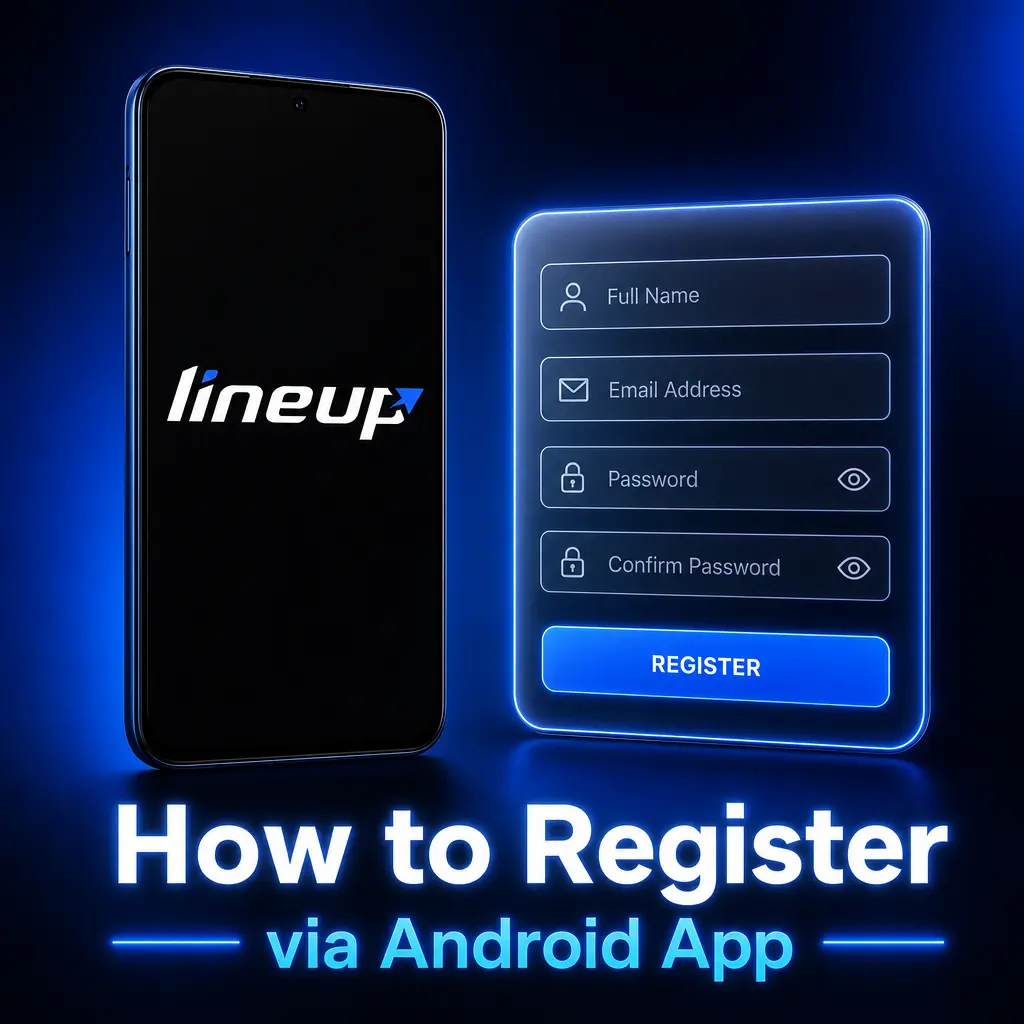
Creating a LineUp account through the Android application takes under two minutes.
Your account activates immediately after verification, ready for your first deposit.

New players downloading the LineUp application gain access to two separate welcome offers. The Sport Welcome Pack matches qualifying deposits up to 420%, split across your first several deposits as a bettor. The Casino Welcome Pack adds up to 300% plus 200 free spins on qualifying slot titles. Both packages activate directly from the mobile app during registration, with the bonus amount calculated automatically based on your deposit. Check the promotions tab inside the app for the exact deposit tiers tied to each percentage.
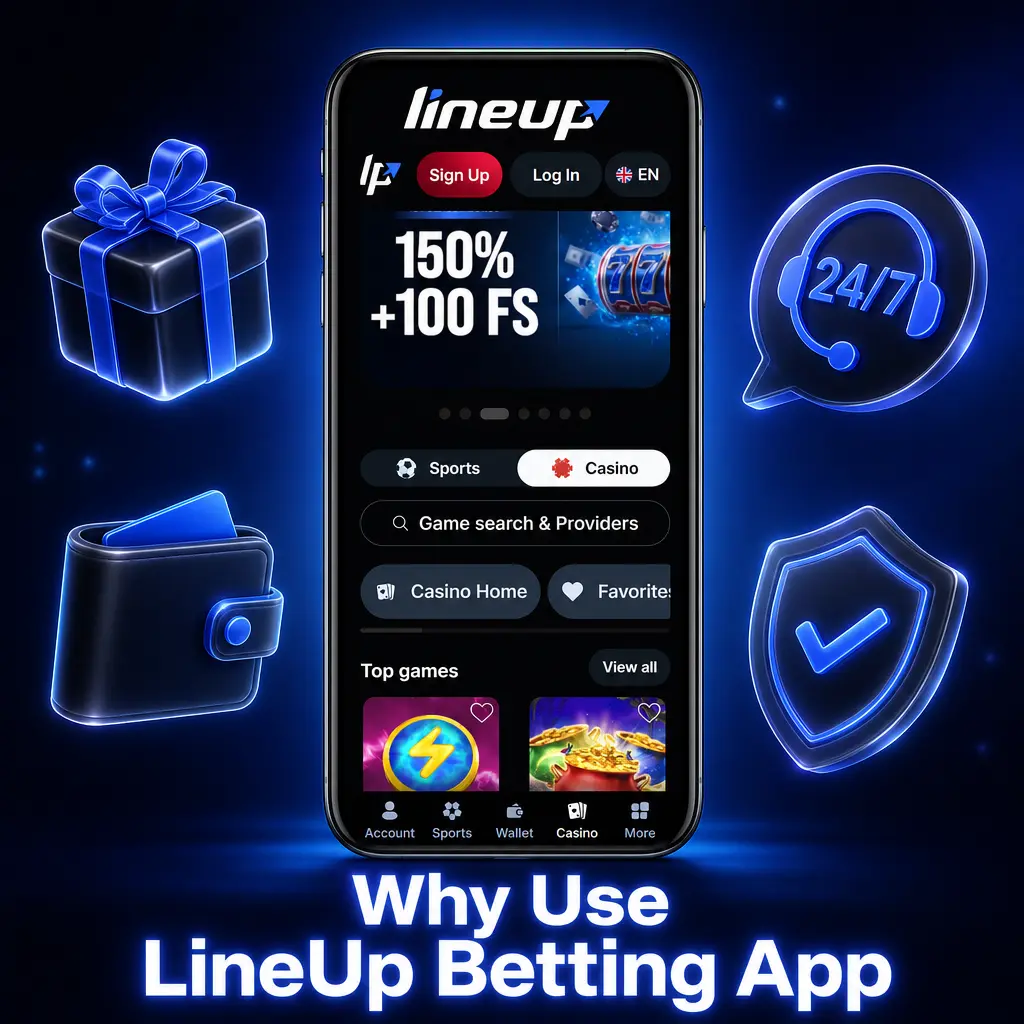
The LineUp betting app runs on a layout built specifically for mobile screens, placing the sports menu, bet slip, and live scores within thumb reach. Navigation between leagues takes two taps instead of scrolling through a full desktop menu. The list below covers five features that give mobile bettors in Canada an edge.
Placing your first wager through the LineUp application starts right after your deposit clears. The steps below take under a minute from login to confirmed bet.
Your bet appears instantly under the Open Bets tab, ready for cash out if available.

The LineUp sports betting mobile app covers markets across dozens of competitions worldwide. Coverage extends to major Canadian league action alongside leading international tournaments followed by bettors across the country.
The LineUp mobile application provides full access to a varied catalog of casino titles optimized for touchscreen play.
Spin thousands of slot titles featuring bonus rounds and progressive jackpots, with each title loading in under two seconds on a standard mobile connection.
Join live dealer tables streamed in high definition, covering blackjack, roulette, and baccarat hosted around the clock.
Play classic card and dice formats including poker variants and craps, with touch controls sized for smaller screens.
Launch quick round titles such as Aviator with adjustable cash out multipliers, each round finishing in under 30 seconds.

Keeping the LineUp Android application current takes a few taps once a new version releases. The steps below walk through the update process.
Updating regularly adds the newest odds formats and fixes minor bugs before they affect your session. The PWA version for iOS updates automatically in the background, requiring no manual action from you.
LineUp encrypts every data transfer between your device and its servers using SSL technology with a 256 bit cipher. Account details, deposit records, and betting history stay stored on protected servers with restricted internal access. Login sessions require your password plus, on supported devices, a fingerprint or facial scan for faster and safer entry. Payment processing routes through secured gateways compliant with PCI DSS standards, keeping card and Interac e-Transfer details separate from your personal profile. An additional verification step adds a code sent to your phone or email before certain withdrawals process. Session timeouts log you out automatically after a period of inactivity, protecting your account on shared or public Wi-Fi networks. These layers apply equally to the Android application and the iOS mobile platform.
| Feature | Native Android App | Mobile Browser / PWA |
|---|---|---|
| Access Speed | Opens in under 2 seconds | Loads via Safari, slightly slower |
| Push Notifications | Full support | Limited support |
| Biometric Login (FaceID/Fingerprint) | Supported | Supported on iOS 16+ |
| Storage Space Required | Around 25MB | No storage used |
| Updates | Manual APK download | Automatic, no action needed |
LineUp operates under a Curacao Gaming License, serving players in provinces outside Ontario’s locally regulated market. Bettors across the rest of Canada can legally access offshore sportsbooks and casinos licensed in jurisdictions like Curacao.
No. The LineUp app download carries no charge on Android or iOS, and no subscription fee applies to account access.
Yes. Your login credentials, balance, and bet history sync across the Android app, the iOS platform, and the desktop version.
Interac e-Transfer withdrawals process within 24 hours, while cryptocurrency withdrawals typically clear within 30 minutes once approved.
Enable installs from unknown sources in your phone’s security settings, then retry opening the downloaded file.
Yes. The Android application runs on tablets with Android 5.0 or higher, and the iOS platform supports iPad models running iOS 13 or higher.
Updated: