
Email Registration
Provide your email address, create a password, and confirm your account through the verification link sent to your inbox.
LineUp registration takes under five minutes and opens access to sports betting and casino gaming built for Canadian players. Create your account today and claim a Sport Welcome Pack worth up to 420% on your first deposits, or choose the Casino Welcome Pack worth up to 300% plus 200 free spins. Both packages activate once you complete your LineUp sign up and make a qualifying deposit. Your new account gives you access to Interac e-Transfer, Visa, Mastercard, and hundreds of slots and betting markets on the NHL, NBA, and UFC.
Welcome Pack up to 420%
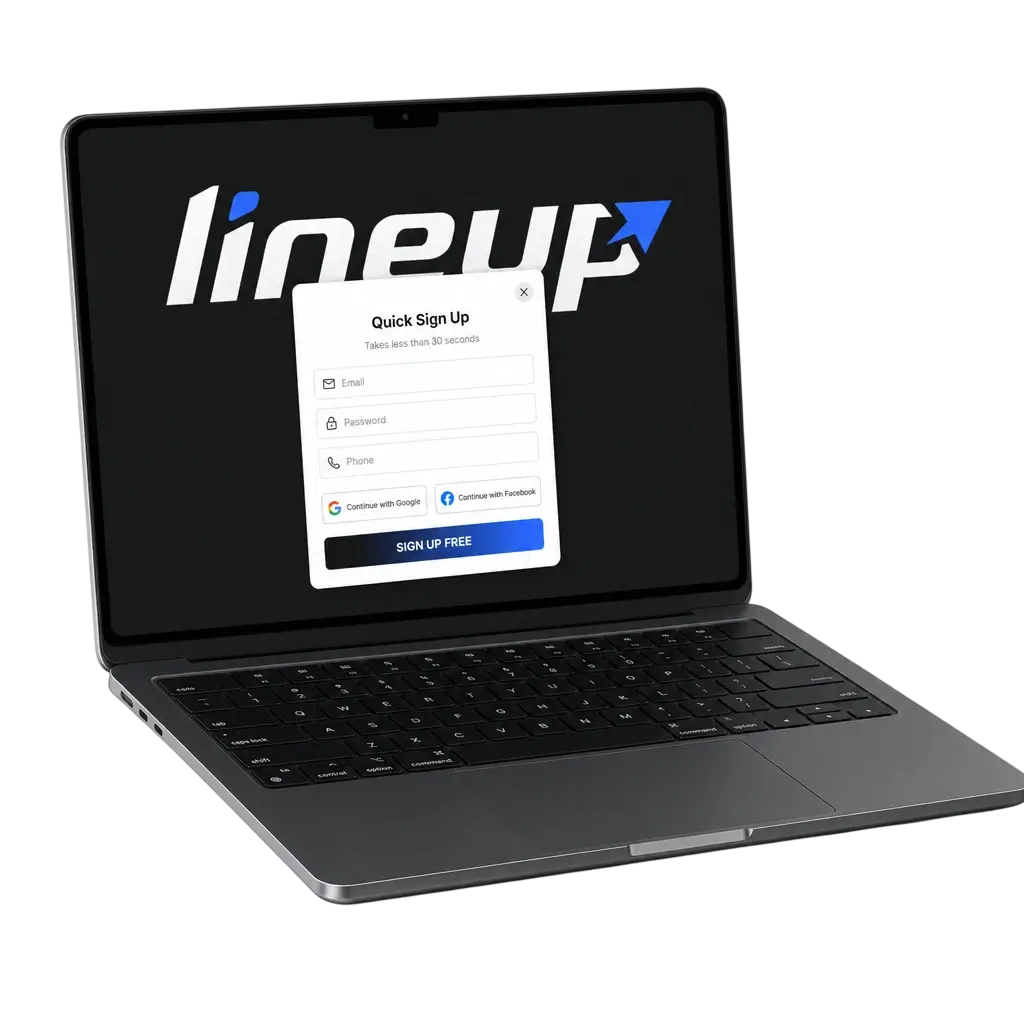
You can complete your LineUp registration through a few simple methods. Pick the one that fits your device and your pace.
Provide your email address, create a password, and confirm your account through the verification link sent to your inbox.
Enter your mobile number, receive an SMS code, and confirm the code to activate your LineUp account.
Select your currency and province, accept the terms and conditions, and complete your full profile later. This is the fastest route into your account.
Download the LineUp app for iOS or Android and register directly inside the app.
You can complete LineUp sign up directly from this page in a few minutes. Follow the steps below to create your account and start playing.
Choose your registration method: email, phone number, or one click sign up.
Enter your personal details: full name, date of birth, email or phone number, and province of residence.
Set a password and accept the LineUp terms and conditions and privacy policy.
Confirm your account through the verification link or SMS code sent to you.
LineUp registration through the mobile app follows the same basic steps as the desktop site, but you complete the full process inside the app.
LineUp registration requires a few pieces of personal information to keep your account secure and compliant with Canadian gambling rules. You need a valid email address or phone number, a government issued ID, and a permanent address in Canada. Each player may hold one LineUp account. Document verification confirms your identity before your first withdrawal.
LineUp verification confirms your identity and protects your account from unauthorized access. Completing LineUp account verification early removes delays on your first withdrawal. Canadian players need to submit a short list of documents before cashing out.
LineUp login takes a few seconds once your account is set up. Use the credentials you created during registration to reach your dashboard.
Click the “Log In” button on this page or in the LineUp app.
Enter the email address or phone number you used during LineUp registration.
Enter your password and submit.
Access your account dashboard, deposit, and start playing.
Forgetting your password does not block access to your account for long. LineUp gives you a direct path to reset your credentials and sign in again.
Your LineUp registration unlocks separate welcome packages for sports betting and casino gaming. Check the full promotion terms on the site before you deposit.
A few common issues can slow down LineUp registration or login. The table below covers the most frequent problems and how to solve them.
| Problem | Solution |
|---|---|
| Email already registered | Use the “Forgot Password” link to recover the existing account instead of creating a new one. |
| Verification document rejected | Resubmit a clear, uncropped photo of a valid document that matches your registration details. |
| SMS code not received | Check your signal, request a new code, or switch to email verification. |
| Forgot which registration method was used | Contact LineUp support with your name and date of birth to locate your account. |
| Account locked after failed login attempts | Reset your password or contact LineUp support to restore access. |
LineUp registration takes under five minutes online or through the mobile app.
LineUp accepts players from Canadian provinces where online real money gambling is permitted under provincial law.
No. LineUp allows one account per player, per household, and per payment method under its terms and conditions.
You need a government issued photo ID and proof of address dated within the last three months.
Use the Forgot Password link on the login page, or contact LineUp support if you no longer have access to your registered email or phone number.
Updated: